WordPress News

WordPress 7.0 “Armstrong” Walkthrough: New Features and Updates
WordPress 7.0 “Armstrong” is here: AI lands in core, the admin gets a redesign, and PHP 7.4 becomes the new minimum. The walkthrough.

WordPress 7.0 “Armstrong” is here: AI lands in core, the admin gets a redesign, and PHP 7.4 becomes the new minimum. The walkthrough.
WordPress 6.9 “Gene” adds Notes for editorial collaboration, a dashboard-wide Command Palette, new blocks, and real speed gains. The walkthrough.
WordPress 6.8 “Cecil” ships speculative loading, bcrypt password hashing, and a redesigned Style Book. Here’s what actually changed.
WordPress 6.7 “Rollins” brings the Twenty Twenty-Five theme, Zoom Out editing, font size presets, and HEIC support. Here’s the walkthrough.
WordPress 6.6 “Dorsey” adds pattern overrides, auto-update rollbacks, and a smarter Site Editor. A walkthrough of what’s new.
WordPress 6.5 “Regina” brings the Font Library, smarter revisions, and a much faster editor. Here’s what’s new and why it matters.
WordPress 6.4 “Shirley” is here with the Twenty Twenty-Four theme, a built-in image lightbox, and a smarter editor. A walkthrough of what’s new.

Unveiling the Power of WordPress 6.3: Developer-Centric Enhancements When it comes to WordPress, we often marvel at the user-facing features that make our websites visually
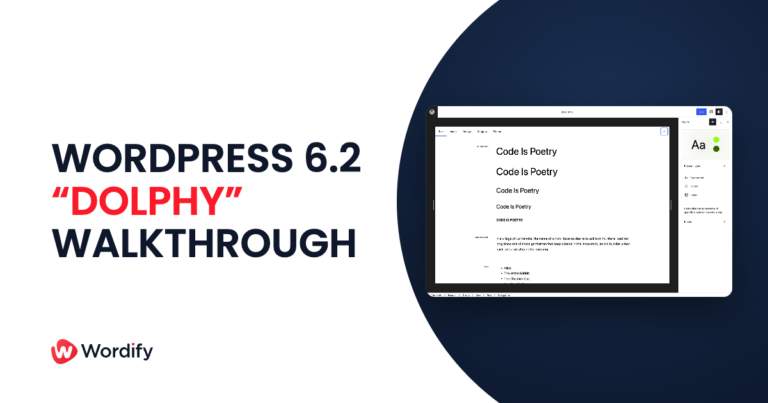
WordPress 6.2 “Dolphy” is here. The Site Editor leaves beta, Openverse lands in the inserter, and menus get easier. A walkthrough of what’s new.

WordPress 6.1 is scheduled to be released only a little over a month — on November 1, 2022. Since Matías Ventura released a roadmap, there have been

WordCamp US 2022 was the first in-person WordCamp event in two years. Many contributors are present and shared their tips and experiences to the community.
Do you like using Gutenberg? Well, if you do, strap in as new updates are coming to town with the Gutenberg 13.7 update. Most of